
Guide3 min read
Run the room during a live game
Pause, add time, end a round, switch the game, or remove a player, all from the bar at the bottom of your screen.
Tested in the app · Updated October 2, 2026
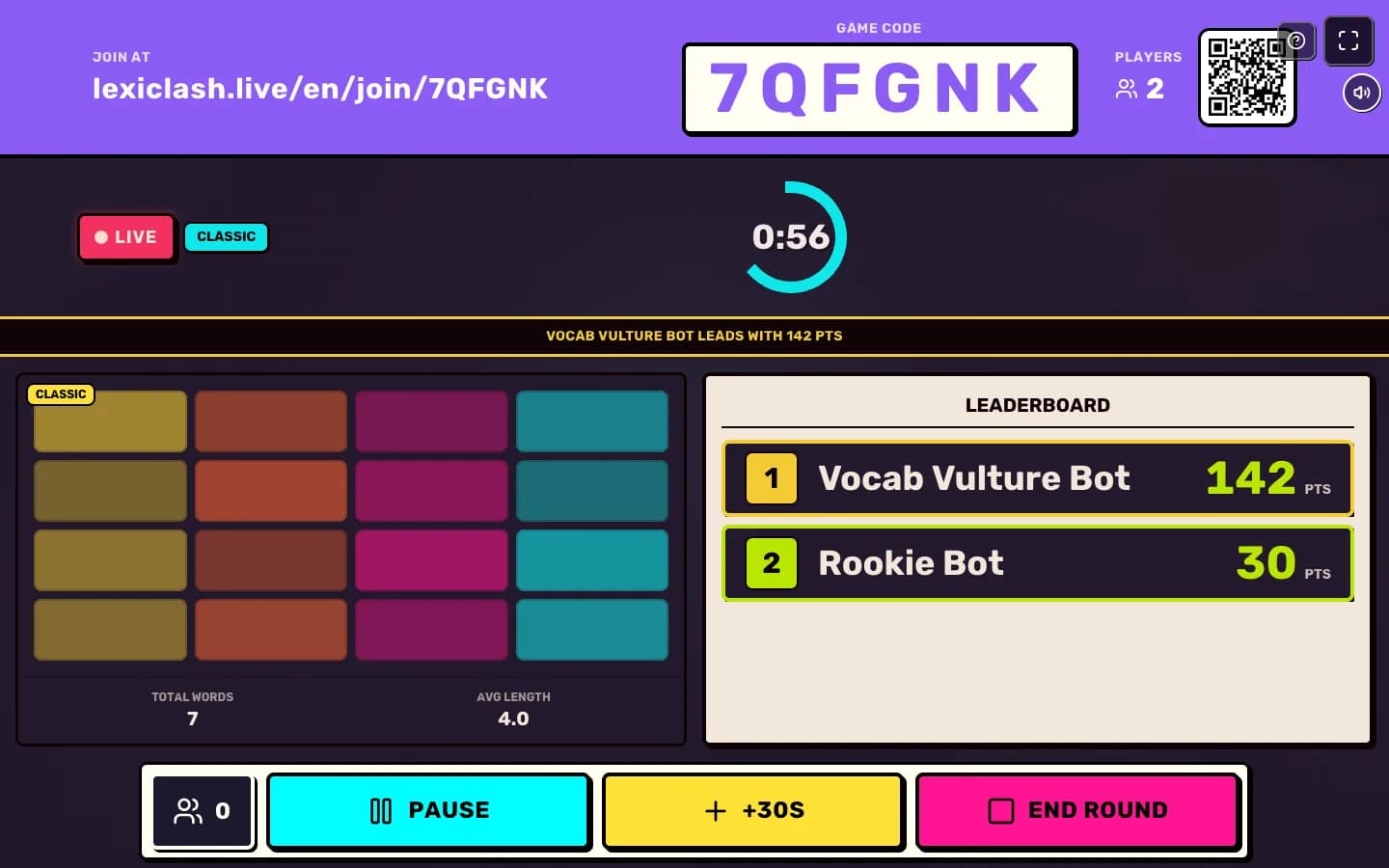
Once the game starts, your screen becomes the scoreboard for the room: the code stays at the top for late arrivals, the clock is in the middle and the leaderboard updates live.
Step 1: Check the settings before you start
The bar at the bottom of the lobby shows the game, the timer, the board size and whether late joining is on. Press Change game to swap the game; the code stays the same.

Step 2: Steer the round
During play, Pause freezes the clock for everyone, +30s buys more time, and End round finishes early (tap twice so it never happens by accident).
Step 3: Handle a player
Open the player count on the left to see who is playing and who looks stuck. You can remove a player from this game; they cannot rejoin it.
Step 4: Go again or wrap up
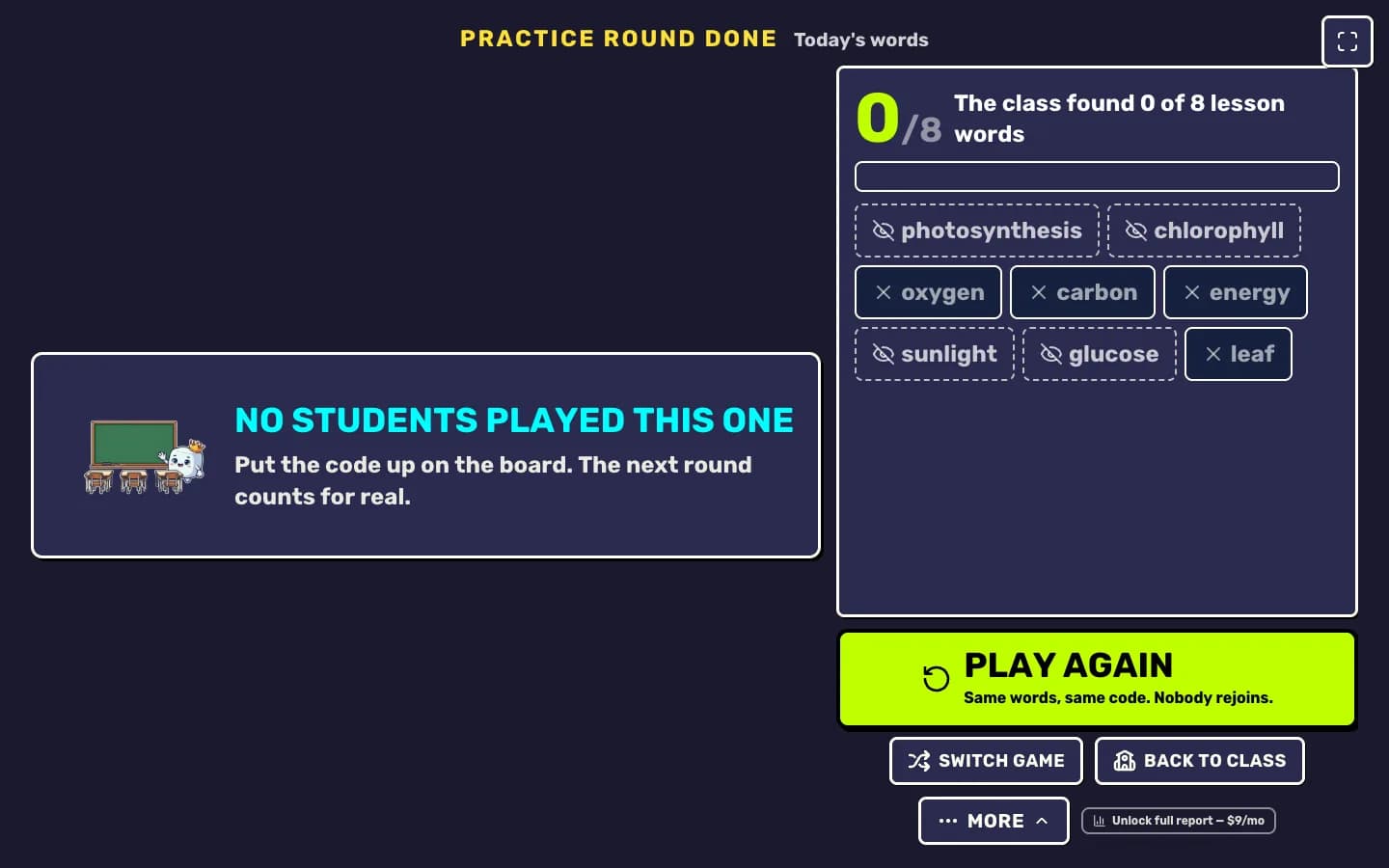
On the results screen, Play again replays with the same words and the same code. Switch game picks a different mode. Back to class takes you back to Teacher HQ.
Your next step
Run a live game now
Pick a game, pick the words, and your class is playing a minute later.

Did this answer your question?