
Guide2 min read
Read the results screen after a game
The results screen shows the podium, which lesson words the class found and which they missed, and your next move.
Tested in the app · Updated October 2, 2026
When a round ends, your board switches to the results. Leave it up for a moment: students love seeing the podium, and you get a quick read on the words.
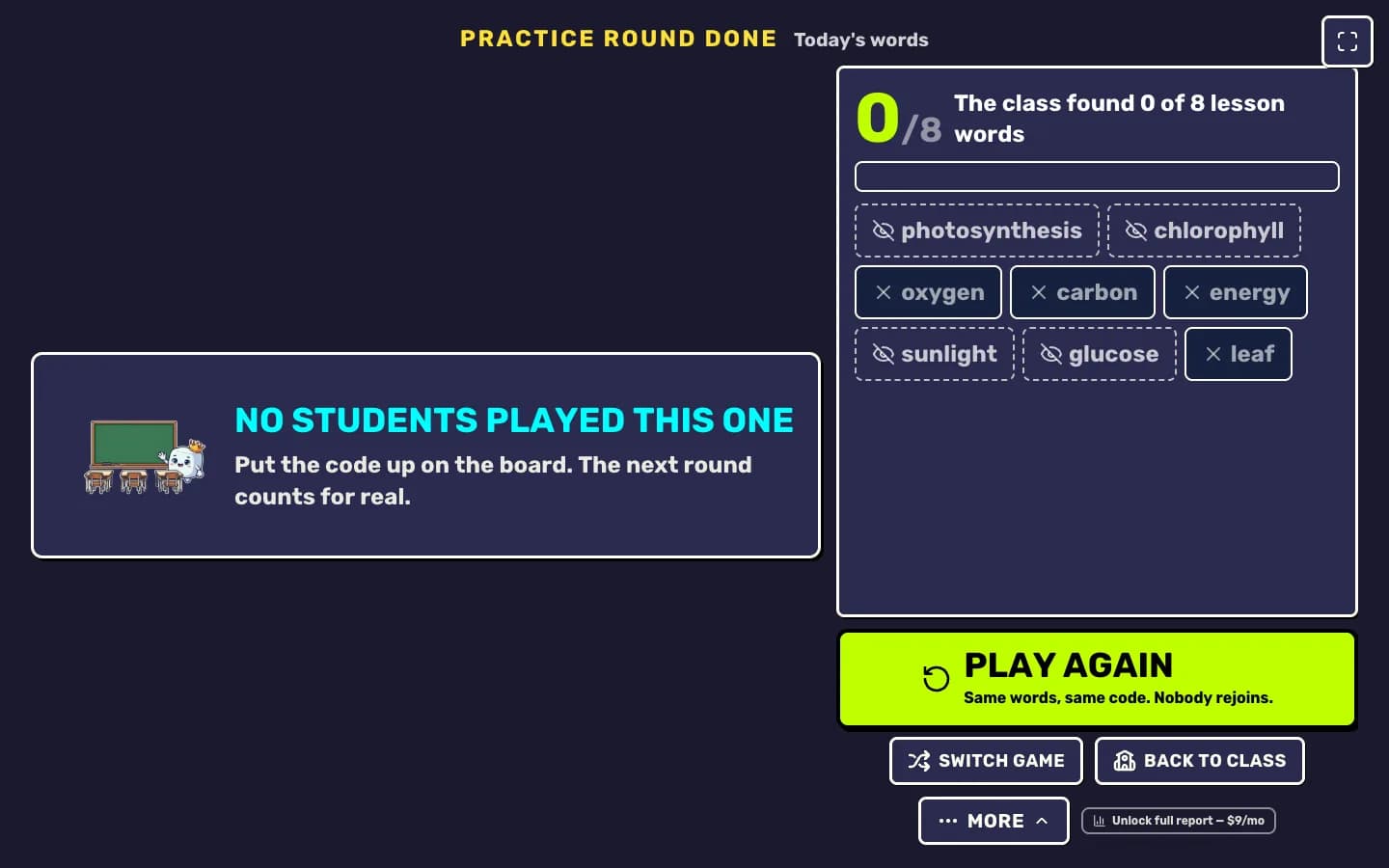
- The podium: the top players of the round, with their scores.
- Lesson words found: how many of your list words the class found, and which ones nobody did. Those are your reteach words.
- Play again: same words, same code, nobody rejoins. Perfect when the first round was a warm-up.
- Switch game: keep the room and the words, try another mode.
- Back to class: close the room and go back to Teacher HQ.
Your next step
Run a live game now
Pick a game, pick the words, and your class is playing a minute later.

Did this answer your question?