
Tutorial5 min read
A 5-minute vocabulary warm-up
A bell-ringer that checks meaning, not just spelling: Vocab Quiz on the words you taught yesterday.
Tested in the app · Updated October 2, 2026
This works best with a list that has definitions. Your own list is ideal; a Library list with meanings works too.
Step 1: Before classGet a list with meanings
Open Library and pick a list that shows definitions, or add meanings to yours with word - meaning lines.
Step 2: 0:00Choose Vocab Quiz
In Teacher HQ, tap Vocab Quiz and your list, then press Go live. Leave the lobby on the board as students walk in.
Step 3: 0:30Start as soon as most are in
Late joining is on by default, so stragglers can still join. Press Start game.
Step 4: 1:00Let the quiz run
Four choices per word; the fastest correct answer scores most. You stay free to circulate.
Step 5: 4:30Read the results together
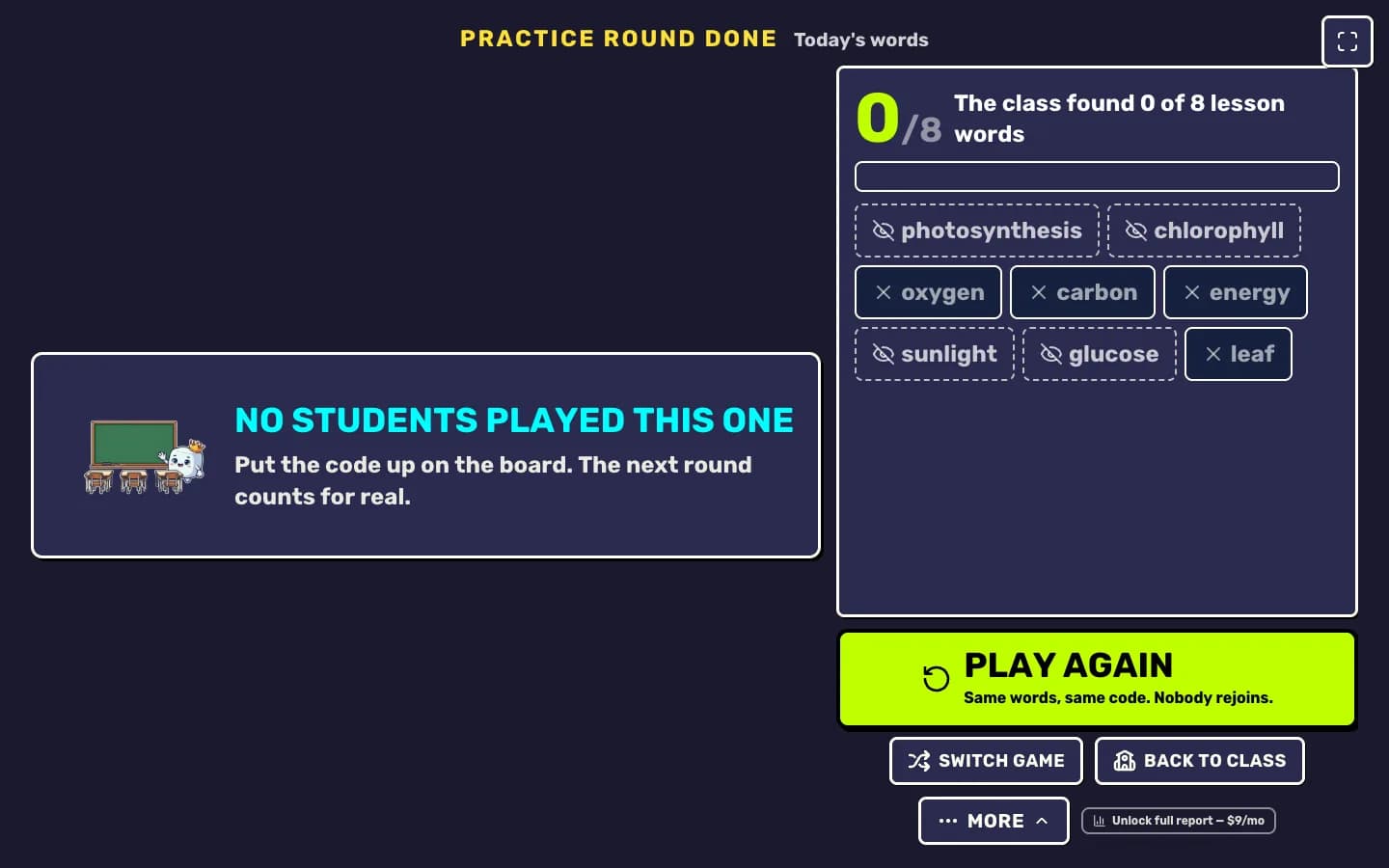
Point at the words the class missed and give the meaning in one sentence each. That is your mini-lesson.
Your next step
Run a live game now
Pick a game, pick the words, and your class is playing a minute later.

Did this answer your question?